123RF by FTP: no title and the “Upload Via FTP” step
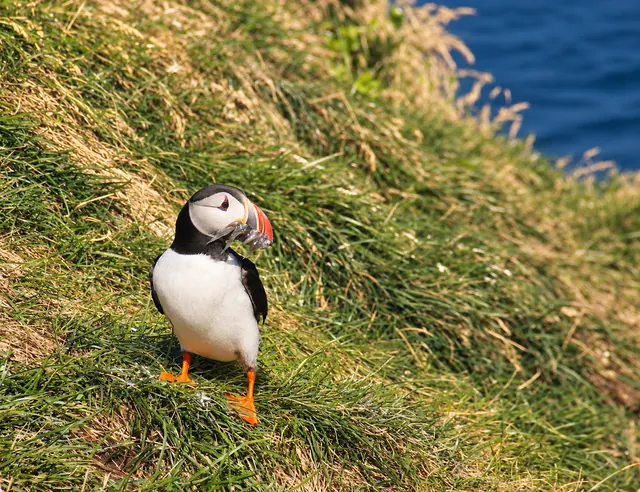
- 1puffin
- 2Atlantic puffin
- 3seabird
- 4bird
- 5wildlife
- 6cliff
- +30
123RF has no title: it searches by the caption (the description, up to about 180 characters) and 7 to 50 keywords. You can upload by FTP with the metadata embedded, but afterwards you must press “Upload via FTP” in its panel for the photos to appear.
Step by step over FTP
- Connect to ftp.123rf.com (port 21) and upload the photos to the root folder. The limit is 4 GB a day.
- On its site, in Upload media, press “Upload Via FTP”. Without this step the photos don't show up.
- Photos land in Draft with the caption and keywords they carried.
- Mark editorial photos and, for AI images, the “AI-generated images” category. Then submit them for review.
We tested it with a real account in October 2026: 39 photos arrived; the 11 over 30 MB were rejected.
Caption and keywords
- No title: 123RF reads the caption (IPTC) and the keywords. If your software writes a separate title, it isn't used here.
- Caption: a sentence that describes the photo; poorly described photos aren't reviewed.
- Keywords: at least 7; ideally 30 to 50.
Size, AI and editorial
- Size: at least 6 MP and at most 30 MB per file.
- AI: accepted only in its “AI-generated images” category, without real people, places or brands.
- Editorial: accepted.
How Tagvora makes it easy
Tagvora writes the caption (no title) and keywords for 123RF, shrinks the copy for 123RF if it's over 30 MB and uploads it by FTP. All that's left is pressing “Upload Via FTP”.
Sources
More guides
- Keywords for Adobe Stock and Shutterstock: what's different
- How to upload to iStock / Getty Images with ESP without losing keywords
- Shutterstock: why your photos show “Needs attention”
- What each stock agency requires in 2026: the table
- How to upload photos to several stock agencies at once
- Alamy: captions, tags and supertags, step by step
- Dreamstime by FTP: how to set categories with its CSV
- AI keywording tools for stock photographers (2026)
Try Tagvora in the beta
Free 3-week beta on the Pro plan, no card, and a founding price afterwards.
Ask for a beta spot